
mAadhaar, the myAadhaar website and the newer Aadhaar mobile app are different products. Instructions for one do not automatically describe another. Before entering identity details, follow the download links on UIDAI’s website and check which product the instructions refer to.
Why you see both three and five profiles
UIDAI’s mAadhaar App Store listing describes up to three profiles linked to the same registered mobile number. The new Aadhaar app FAQ describes up to five profiles. Five is therefore not simply an error copied from old articles: the product name matters.
Do not install an old APK to recover a feature that is unavailable. A remaining store listing does not establish that every legacy service still works. Check UIDAI’s current service guidance instead of relying on an undated “mAadhaar still works” or shutdown claim.
What the newer app currently offers
UIDAI lists mobile-number and address updates, biometric lock/unlock, authentication history, e-Aadhaar download and selective sharing of Aadhaar credentials. Its registration flow uses SIM selection, face authentication and a six-digit PIN.
The current FAQ says that name, gender, email and date-of-birth updates are not available through this app. Photo, fingerprint and iris updates require an authorised centre. Do not confuse viewing an existing field with permission to change it online.
Before an update, prepare the relevant information, check the preview carefully and retain the acknowledgement. Do not treat payment or submission as proof that a request has been approved. Check its status before starting another request for the same change.
Mobile-number changes depend on your situation
The specific mobile-update FAQ distinguishes these cases:
- If the app uses the number already registered with Aadhaar, the process requires OTP verification of the new number, face authentication and the prescribed payment.
- If the app uses a different number, both old and new numbers require OTP verification, alongside face authentication and payment.
- If you no longer control the old registered number, or have never registered one, visit an Aadhaar Seva Kendra or authorised enrolment/update centre.
Failure to receive an OTP does not establish that all Aadhaar services are unavailable. First identify the service and which number it is trying to verify. The route for a lost number differs from a temporary mobile-network problem.
Share only the identity information needed
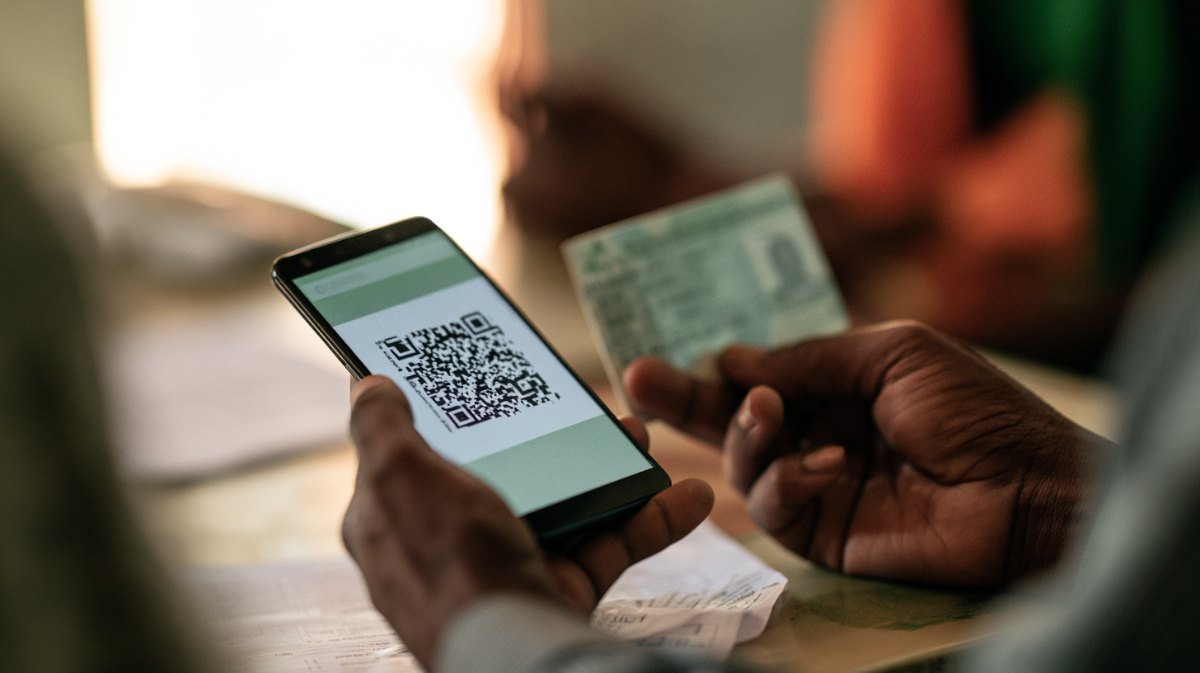
The newer app supports consent-based selective credential sharing. Read the requested fields and recipient before consenting. A request from an unfamiliar caller is not made legitimate by displaying a QR code.
Paperless Offline e-KYC is another format. UIDAI’s offline e-KYC explanation says the signed XML includes demographic details and a photograph; its reference identifier includes the last four Aadhaar digits and a timestamp. Mobile and email details are represented using hashes. Avoiding the full Aadhaar number does not make this file anonymous or harmless to publish.
The recipient needs the share code to open the ZIP. Send it only to an intended, verified recipient and check what will be retained. Giving the code separately can reduce accidental disclosure, but does not stop the authorised recipient from reading the included data.
Use a small verification checklist
| Before proceeding | What to confirm |
|---|---|
| Installing | The link originates at UIDAI and the publisher is correct. |
| Adding a family profile | The person consents and the app’s authentication requirements can be met. |
| Sharing identity | The recipient, purpose and requested fields are appropriate. |
| Changing details | The selected service supports that change and the entered information is correct. |
| After submitting | The acknowledgement is saved and the outcome is checked through an official route. |
Aadhaar documents, PINs and authentication codes should not be posted in comments or sent to someone claiming to provide remote “activation.” For unresolved service issues, use UIDAI’s official support rather than a sponsored search result or forwarded telephone number.
Reviewed on 27 October 2026. Separated the two apps, corrected update capabilities and removed unsupported availability, download-count and complete-anonymity claims.

Techleez Editorial Team
The Techleez publishes practical digital guides. For our scope, use of AI assistance and corrections process, read our editorial policy.
More from this author →