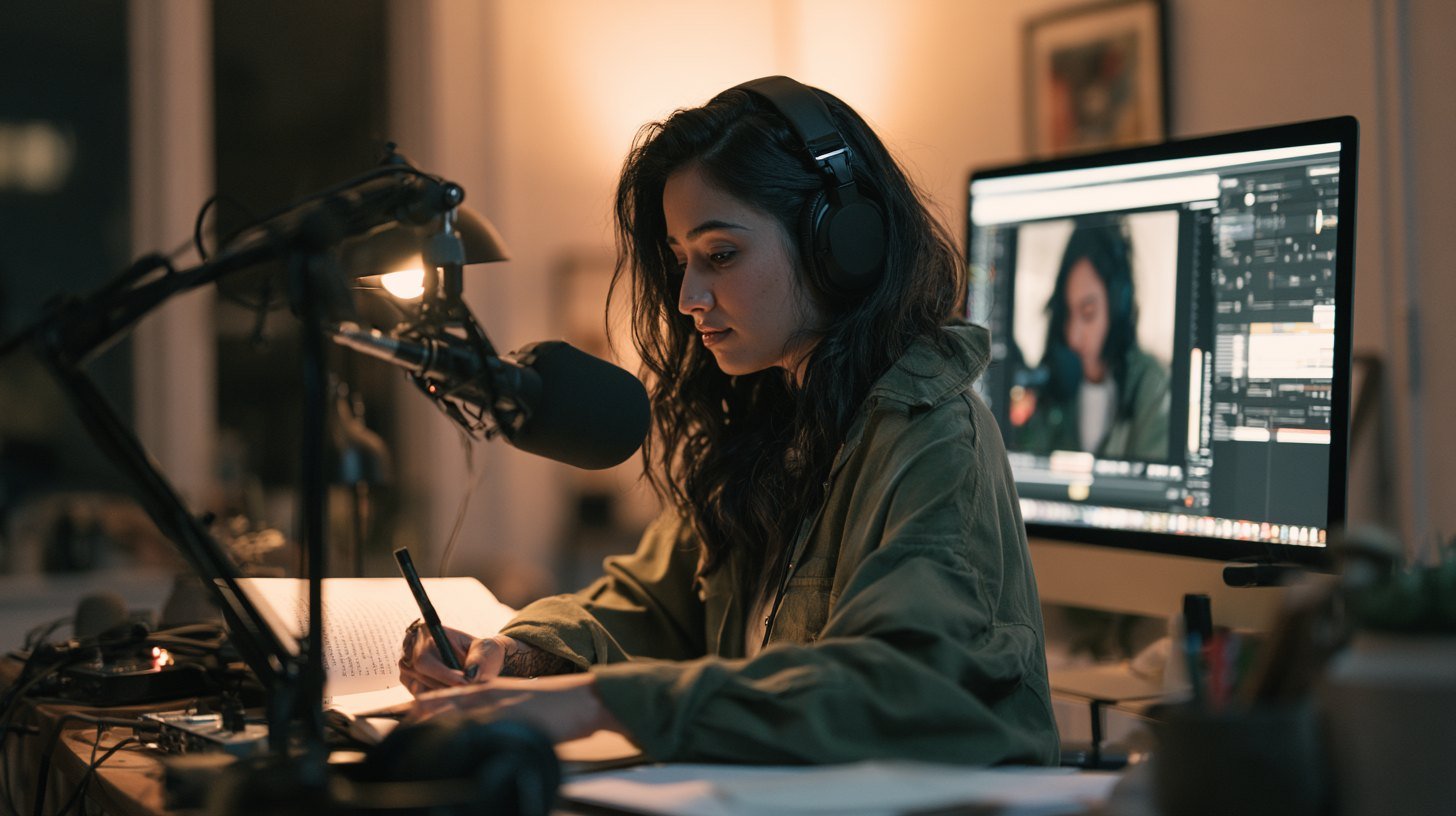
The creators who get ahead in 2026 are not necessarily the most talented — they are the ones who let AI handle the grunt work so they can focus on ideas. The right stack turns a one-person operation into something that punches far above its weight.
This guide breaks down the AI tools worth having by the jobs a creator actually needs done, rather than by hype.
Build Your Stack Around Tasks, Not Tools
The mistake most creators make is collecting tools they never use. Instead, map your workflow — idea, script, record, edit, publish, repeat — and add one AI tool per stage only where it genuinely saves time. Our complete AI tools guide lays out the full landscape if you want the big picture first.
For Ideas and Scripts
General assistants like Gemini are excellent for brainstorming angles, drafting scripts and repurposing one piece of content into many. The output quality depends heavily on how you ask, which is why our guide to writing better AI prompts is worth reading early. If you are new to assistants, start with the Google Gemini guide.
For Video Editing
Video is where AI saves creators the most hours. Auto-cutting, captioning and cleanup turn a full afternoon of editing into a short session. See our roundup of the best free AI video editing tools and the beginner walkthrough on how to edit videos with AI.
For Voice and Audio
Clean audio separates amateur from professional. AI tools remove noise, level volume and can generate narration in a consistent voice. If you want a specific tone or do not like recording yourself, an AI voice tool covers it.
For Images and Enhancement
Thumbnails, graphics and cleaning up low-quality footage all have AI solutions now. AI photo and video enhancers can upscale and sharpen media that would otherwise be unusable, which is a quiet superpower for creators working with mixed-quality source material.
Spending Wisely
You do not need to pay for everything. Many creators run an entirely free stack until a specific limit — export caps, watermarks, usage limits — starts costing them time. Our guide to free vs paid AI tools helps you decide where a subscription actually pays for itself.
A Lean Starter Stack
One assistant for ideas and scripts.
One AI video editor for cutting and captions.
One audio tool for noise removal or narration.
One image/enhancer tool for thumbnails and cleanup.
Add anything else only when a real, repeated need appears.
Frequently Asked Questions
Do I need lots of AI tools to create content?
No. A lean stack of one tool per stage — ideas, video, audio, images — covers most creators better than a pile of overlapping apps.
Can AI tools replace editing skills?
They handle the repetitive parts, but your judgment on pacing, story and style is what still makes content stand out.
Are free AI tools good enough for creators?
Often yes, especially when starting out. Upgrade only when a free tier’s limits start costing you real time.
Which tool should a beginner creator start with?
An AI video editor usually delivers the biggest time savings first, followed by an assistant for scripting and ideas.
The Bottom Line
The best AI stack for a creator is lean and task-driven: one strong tool each for ideas, video, audio and images, kept free until limits force an upgrade. Build around your actual workflow, not the hype, and you will move faster than teams many times your size. Start with our AI tools guide to see the full landscape.

Fold Smith
Fold Smith is a technology journalist and the lead editor of The Techleez, an India-first publication that decodes technology, digital payments, streaming and online culture for everyday readers. From UPI and fintech explainers to OTT streaming guides, Android tips and online-safety checklists, he personally tests the apps, tools and services featured on the site before recommending them. His focus is practical, research-backed guidance that helps Indian readers make smarter digital decisions — spend less, stream better and stay safe online. When he is not writing, he is usually tracking NPCI circulars, first-day-first-show box office numbers, or the next big OTT premiere.
More from this author →